How to set up your profile and units
Settings holds your athlete name and your unit choice.
On the Command Center, tap Settings.
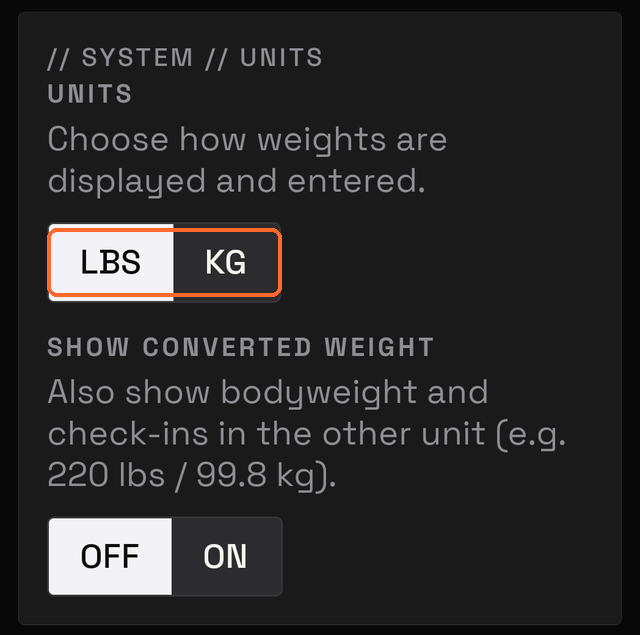
Choose pounds or kilograms
On the Units card, tap LBS for pounds or KG for kilograms.
This changes how weights are displayed and entered.
Units can be changed at any time. Changing them does not alter saved workouts.
Add your name
On the Athlete card, type your name. MesoMetric saves it as you type. There is no Save button.
Your name appears at the top of a Coach Report.
Your name stays on your phone. It leaves only in a report or a backup you send. If it is blank, reports say "Athlete".
Other settings
Two other settings:
- Daily Step Target sets the step goal shown on the Command Center.
- Data creates a backup of everything you saved.